

Table of Contents
Generative AI a.k.a. GenAI is everywhere now. There is hardly any industry that has been left untouched by it. One of the industries that are benefiting the most out of it is the education industry. Educators are already leveraging AI to make education better while students are adopting it to enhance learning. In this blog, we will discuss 12 of the top AI tools for education that you can use to enhance the delivery of your teaching efforts and make learning more effective and fun for your students.
What is an AI Tool?
An AI tool is a software application that features artificial intelligence in some shape or form to perform and/or enhance particular tasks. For instance, Grammarly is a writing AI tool that helps the user improve the delivery of their writing by providing suggestions. It can be used by a teacher, a student, a marketer, and anyone looking to maximize the impact of their writing.
Although Generative AI started doing the rounds only in 2023, AI has been powering software applications for more than a decade now. May it be the popular social media management tool Sprout Social or the de-facto search engine leader Google, a basic form of AI has been there for over a decade or so. However, now we are seeing a surge of GenAI (short for generative AI) tools.
What are AI Tools for Education?
AI tools for education may or may not be developed specifically for the education community. Usually, an AI tool for education is a program or software application that can be used by teachers, students, and/or anyone associated with the education industry to make their day-to-day tasks easier, better, and more efficient.
An AI tool for education can be used for a wide variety of tasks ranging from assisting teachers in student assessment and delivery of lectures to helping students make the most out of their note-taking and develop strong, self-learning habits.
12 Top AI Tools for Education

1. MeraTutor.ai Homie

Website – https://meratutor.ai/
Developer – Intellinez Systems
Since – 2024
Type – Personalized AI Tutor
MeraTutor.ai Homie is an AI-powered personalized AI tutor – available 24/7 – that provides textbook-accurate answers, step-by-step solutions, PDF-based learning, Socratic learning (via Coach Mode), real-time progress tracking, more. It supports books and notes uploads, comes with a powerful AI snipping tool for getting point-and-click explanations, and features adaptive generative AI modes (“Basic” and “Prime”) for personalized learning. Homie enhances learning accessibility while easing educators’ workload.
Beyond academic support, Meratutor Homie is designed with a strong emphasis on student safety. The platform ensures a secure, Safe AI environment that protects learners from distractions and inappropriate content. The AI politely refuses to generate content for off-topic and explicit queries, while strict data privacy policies guarantee that student information is never exploited for third-party purposes. This makes Homie a trustworthy AI companion for both students and educators.
Highlights:
- Upload textbooks, notes, or study material as PDFs, zoom in for clarity, and manage multiple files in the clutter-free My Courses section.
- Highlight any section of a PDF and send it to AI for instant corrections, detailed explanations, or quick summaries.
- Ask context-specific questions directly from your study material. The chatbot provides clear answers, supports follow-ups, and can analyze both text and images.
- Link notes to specific PDF pages, edit or delete them easily, and export everything into a single organized PDF for review.
- Visual reminders and progress trackers encourage consistent study habits, rewarding learners with streak badges for daily engagement.
- Switch between “Basic Mode” for general subjects and “Prime Mode” for advanced or technical material.
- A Socratic, question-first approach that guides students step by step, promoting critical thinking rather than spoon-feeding answers.
- Automatically generates related questions and topic extensions, helping students explore beyond their current lesson.
- Share courses with friends, create study groups, and collaborate right from the Homie Dashboard.
- Get AI-powered snapshots of your progress, including time spent, questions asked, and next-step study suggestions.
What Works:
- Available anytime, making it ideal for self-paced learning.
- Keeps students engaged and motivated through learning rings, streak, gamification, and reminders.
- Strong organizational tools (notes, summaries, activity tracking) help maintain discipline and structure.
- Lightweight, browser-based platform that works well across devices, including low-end laptops and smartphones.
- Collaborative features (friend requests, course sharing) foster group learning and peer mentoring.
- Coach Mode helps students think critically instead of relying on direct answers.
What Doesn’t:
- Still evolving – some advanced features (like complex technical reasoning) may need refinement.
- Requires an internet connection; no full offline mode yet.
- As with any AI, occasional errors in explanations mean students should double-check with teachers or textbooks.
2. Cognii

Website – https://www.cognii.com/
Developer – Dee Kanejiya
Since – 2013
Type – Assessment and Tutoring/Virtual Learning Assistant
Cognii is a two-in-one AI tool for education that facilitates assessment and tutoring. It comes replete with detailed analytics and insights to help educators make the most out of their teaching experience. Developed by Dee Kanejiya, Cognii is an excellent tool for educators and students alike.
The tool aims to mimic human tutoring by comprehending and responding to student input in a conversational manner. Cognii has the ability to work with a large number of students concurrently.
Highlights:
- Provides in-depth knowledge about the subject matter.
- Engages students in natural language conversations, while providing real-time feedback and personalized guidance.
- Delivers personalized tutoring and assessment.
- Highly scalable.
- Excellent for everyone ranging from K-12 to corporate training.
What Works:
- Instant user feedback.
- Simplifies grading and other tasks.
- It can handle huge loads.
- The content and learning paths can be customized by educators to align with specific curriculum and learning objectives.
What Doesn’t:
- No free version or trial is available.
- No virtual classrooms.
3. ChatGPT
Website – https://openai.com/index/chatgpt/
Developer – OpenAI
Since – 2022
Type – Generative AI Assistant
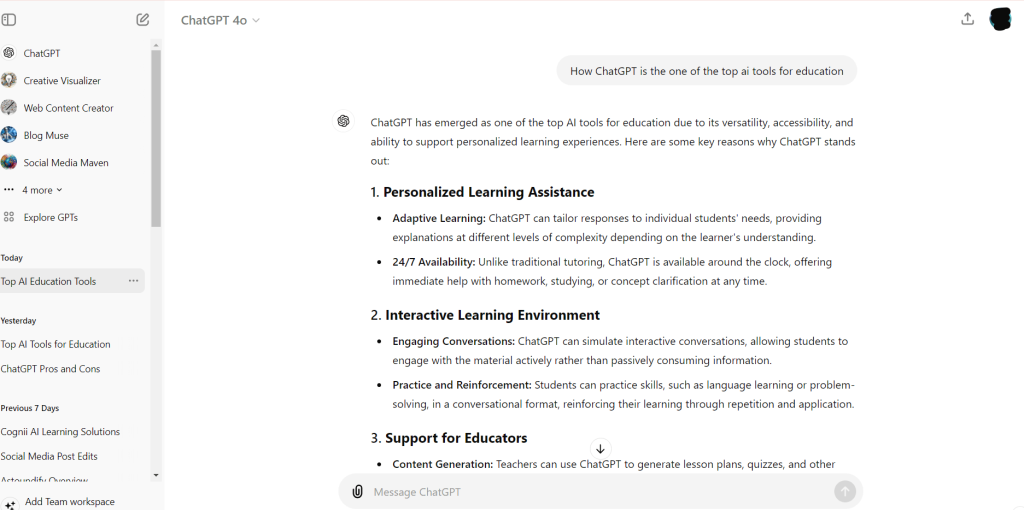
There might be hardly anyone who doesn’t know what ChatGPT is and what it does. There is hardly any domain that has not accepted this massively popular gen AI tool. It has a wide array of applications in the education industry. The natural-language-based AI tool delivers dynamic and conversational responses to user requirements. From asking a simple math question and assisting in doing homework to creating personalized student assignments, there is a wide array of tasks that ChatGPT can simplify both for educators and students.
ChatGPT can not only help you to create high-quality and detailed study notes replete with examples and analogies, but it can also help your students by interacting with them and providing them with answers to most of their questions. It can be an excellent teaching assistant.
Highlights:
- Comes in both free and paid tiers.
- Has the ability to create multiple custom GPTs. (Paid feature)
- Excellent conversational abilities.
- Continuously evolves with inputs and updates.
What Works:
- Learn more about your preferences over time.
- Provides quick responses.
- Can handle multiple queries.
- Great option for creative projects.
- Ideal for educational purposes.
What Doesn’t:
- May generate outdated or irrelevant results sometimes.
- Inability to provide real-time information.
- May get choked when handling complex queries.
Note: Check out the best AI prompts for teachers.
4. Google Gemini

Website – https://gemini.google.com/
Developer – Google
Since – December 2023
Type – Generative AI assistant
Gemini has grown into a powerful AI learning assistant tightly integrated with Google Workspace for Education. Free access is now available for all educators and students via Gemini in Classroom, which offers over 30 AI-powered teaching tools – lesson planning, vocabulary lists, differentiated content, and more.
Gemini for Education is built on the advanced Gemini 2.5 Pro model, offering enterprise-grade data protection, custom AI agents (“Gems”), interactive diagrams, personalized quizzes, audio/video overviews, and features like guided learning and deep reasoning.
Highlights:
- Seamless integration in Classroom, Docs, Sheets, Slides, and Gmail.
- Helps plan lessons, generate quizzes, draft rubrics, and summarize communication.
- Taps into Gemini 2.5 Pro – Google’s most capable and reasoning-enhanced model.
- Supports guided learning, storybooks, memory (personal context), and interactive media.
- Built with strict privacy protections – complies with FERPA/COPPA and doesn’t use student data to train models.
- Educator testimonials praise time saved in planning and rubric creation.
What Works:
- Exceptional for Google-centric schools – no extra cost for Workspace for Education users.
- Rich, multimodal tools for personalized content creation.
- Strong privacy and safety controls for students.
What Doesn’t:
- Some educators worry about over-reliance by students and effects on critical thinking.
5. Duolingo

Website – https://www.duolingo.com/
Developer – Luis Von Ahn and Severin Hacker
Since – 2012
Type – Language Learning
Duolingo is more than just a language learning platform or mobile app. It is an extremely popular AI-powered education app that has found huge success in terms of user penetration. It leverages ML algorithms and gamification to make language learning fun and interactive. Duolingo also delivers detailed analytics to track progress, provide feedback in real-time, and more.
The most important feature that make it stand out among the competition is gamification. Duolingo leverages a game-like structure to make language learning interactive and fun.
Highlights:
- 43 languages plus music and math lessons.
- Gamified learning.
- Half-a-billion mobile app downloads.
- The basic version is free.
- Interactive lessons with a mixture of reading, writing, speaking, and listening exercises.
What Works:
- Available via a mobile app.
- Keeps users motivated and engaged.
- Lessons are kept short to maintain user engagement.
- Backed by a huge, mushrooming community.
- Regular updates and new features keep the content fresh and relevant.
- Supported by Google.
- Excellent for beginners.
What Doesn’t:
- Not suitable for advanced learners.
- Speech recognition can be faulty at times.
- The free version contains ads that might be distracting.
6. Quillbot
Website – https://quillbot.com/
Developer – Rohan Gupta
Since – 2017
Type – Advanced Paraphraser
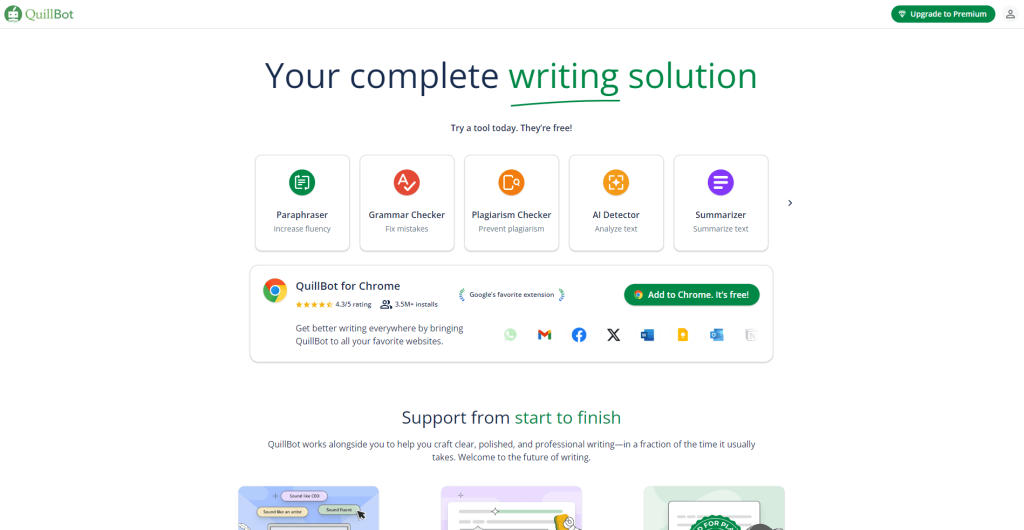
QuillBot is among the most popular AI tools. It offers advanced paraphrasing and summarization capabilities that makes it a great tool for education. It features AI that helps to rephrase sentences and paragraphs while preserving the meaning, a grammar checker, and a summarizer that extracts key points from the text. All these features make it an ideal choice for students and educators who want to ensure top-notch writeups.
Highlights:
- A simple interface makes it easily accessible to everyone with all levels of technical proficiency.
- Comes with a recitation generator.
- Detailed plagiarism checker.
What Works:
- Multiple writing modes.
- Built-in translator with support for more than 30 languages.
- Plagiarism checker.
- Real-time feedback.
- The premium plan is just $9.95 a month.
What Doesn’t:
- Lacks the aspect of critical thinking.
- Having the ability to identify context can make the tool better.
7. Fireflies.ai
Website – https://fireflies.ai/
Developer – Krishna Ramineni, Sam Udotong, and Om Mahida
Since – 2016
Type – Automated Note Taker
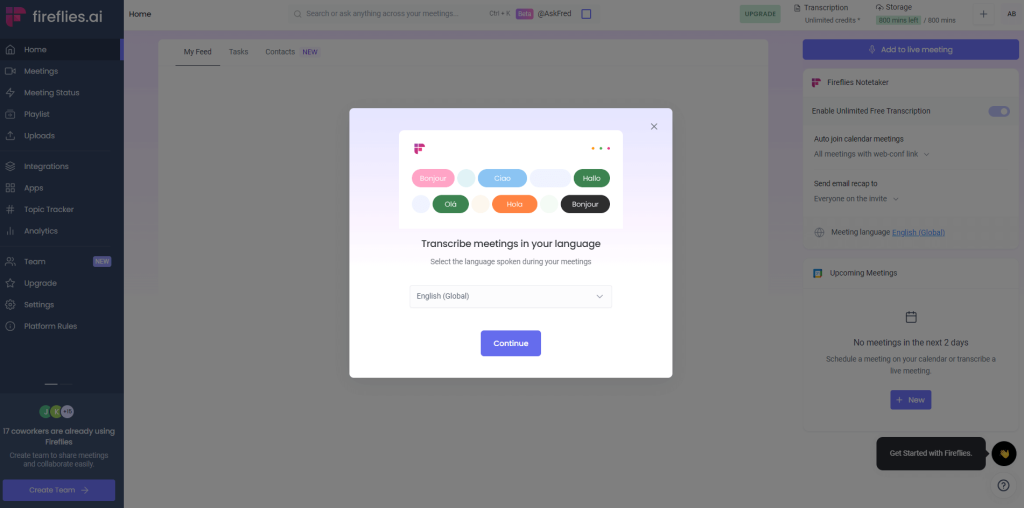
The ability to analyze, summarize, and transcribe recorded conversations makes Fireflies.ai an excellent tool for professionals. However, its use can be extended to cover educational purposes by recording lectures, discussions, and group projects. Fireflies.ai offers seamless integration with leading video conferencing tools to ensure the preservation of every detail in an online interaction.
Teachers can leverage Fireflies.ai to craft interactive presentations and quizzes to boost student engagement. In addition to recording and transcribing audio, the AI-powered tool for education generates action items, important concepts, and key takeaways.
Highlights:
- Makes note-taking hassle-free.
- Teachers can leverage the tool to create study guides.
- Fosters discussion and collaboration by the ability to share notes and summaries with others.
What Works:
- Focuses on learning.
- Excellent tool for educators and teachers looking to create engaging assessments and presentations.
- The AI-powered summarization feature generates concise summaries with main points and key takeaways.
- Helps students to quickly identify the main points of a lecture.
- Allows you to search within notes quickly and efficiently.
What Doesn’t:
- The accuracy of speech recognition can be better.
- No offline access.
8. Google Scholar

Website – https://scholar.google.com/
Developer – Google
Since – 2004
Type – Research Tool
Google Scholar is a specialized variant of Google Search that focuses on academic publications like books, peer-reviewed papers, and theses. Thus, it has applications for both educators and students. On one hand, teachers and educators can use it to stay abreast of the ongoing research and advancements in their discipline, identify new up-to-date teaching materials, and find relevant literature for course assignments. Students, on the other hand, can leverage Google Scholar to build a deeper understanding of complex topics, find credible sources for research papers, and know about scholarship programs in particular fields.
The feature that makes Google Scholar an outstanding option among the top AI tools for education is its advanced search capabilities. It grants users the ability to refine their searches to a huge proportion by using specific author names, keywords, publication dates, and titles of cited works.
Highlights:
- Advanced search capabilities.
- Indexes a vast range of academic papers, books, conference papers, patents, and theses.
- Offers publications from a variety of disciplines and sources.
What Works:
- It is a completely free tool and therefore, there are no premium pricing plans.
- Excellent tool for extensive scholarly research.
- Smart citation tracking lets you know the impact of a particular research work.
- Provides seamless integration with academic tools and platforms.
- Easy-to-use search functionality with multiple filters.
What Doesn’t:
- Not all listed articles are freely available.
- Sometimes it includes duplicate entries.
9. Grammarly
Website – https://www.grammarly.com/
Developer – Max Lytvyn, Alex Shevchenko, and Dmytro Lider
Since – 2009
Type – Writing Assistant
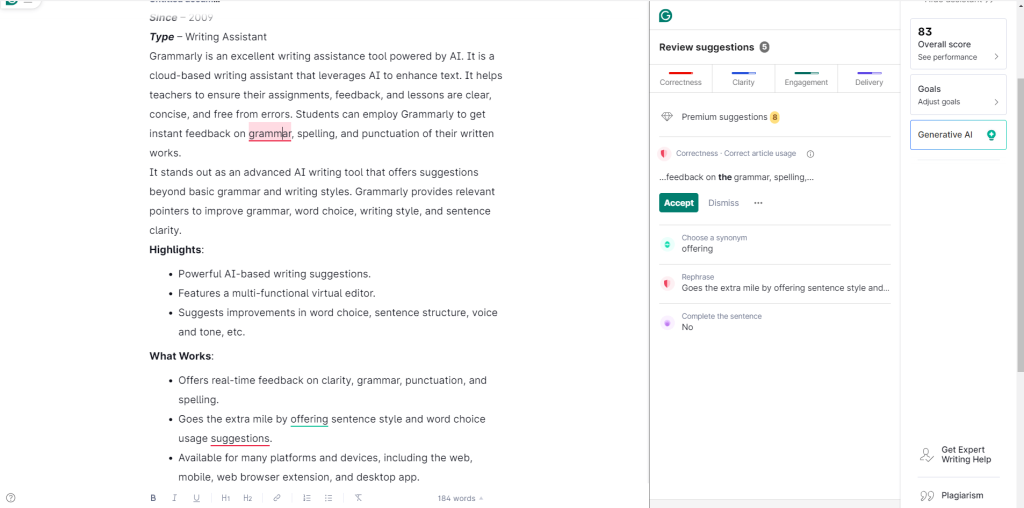
Grammarly is an excellent writing assistance tool powered by AI. It is a cloud-based writing assistant that leverages AI to enhance text. It helps teachers to ensure their assignments, feedback, and lessons are clear, concise, and free from errors. Students can employ Grammarly to get instant feedback on the grammar, spelling, and punctuation of their written works.
It stands out as an advanced AI writing tool that offers suggestions beyond basic grammar and writing styles. Grammarly provides relevant pointers to improve grammar, word choice, writing style, and sentence clarity.
Highlights:
- Powerful AI-based writing suggestions.
- Features a multi-functional virtual editor.
- Suggests improvements in word choice, sentence structure, voice and tone, etc.
What Works:
- Offers real-time feedback on clarity, grammar, punctuation, and spelling.
- Goes the extra mile by offering sentence style and word choice usage suggestions.
- Available for many platforms and devices, including the web, mobile, web browser extension, and desktop app.
- Excellent writing assistance features.
What Doesn’t:
- No alternative phrasing suggestions.
- Some suggestions can be made better.
10. Otter.ai
Website – https://otter.ai/
Developer – Sam Liang and Yun Fu
Since – 2016
Type – Audio Transcriber
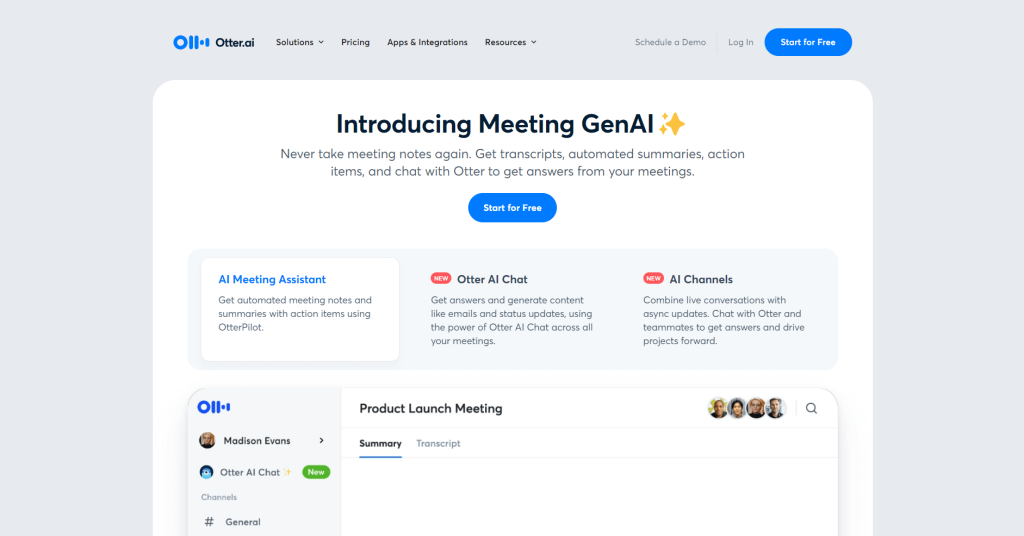
It is an innovative AI-powered education tool that lets you transcribe and organize audio recordings in real time. Otter.ai can be an invaluable resource in the classroom to let your students focus more on learning and active participation rather than jotting down extensive notes. Otter leverages AI to generate meaningful meeting notes using recorder transcripts.
In addition to capturing and converting discussions and lectures into text, Otter.ai generates relevant timestamps and speaker identification. This makes revisiting key points, searching specific terms, and annotating notes highly efficient and lightning-quick.
Highlights:
- Offers seamless integration with online learning platforms.
- Detailed visuals.
- Real-time transcription and note-taking.
- Support for leading video conferencing platforms like Google Meet and Zoom.
What Works:
- Intuitive user interface.
- It comes with a load of productive features.
- Provides invaluable support to students with auditory issues.
- Search transcripts for keywords or phrases.
- Superior speaker identification makes it an ideal tool for recording and transcribing discussions.
What Doesn’t:
- Background noise affects transcription accuracy.
- Struggles with strong accents.
11. Quizlet
Website – https://quizlet.com/
Developer – Andrew Sutherland
Since – 2005
Type – Quiz/Assessment Generator
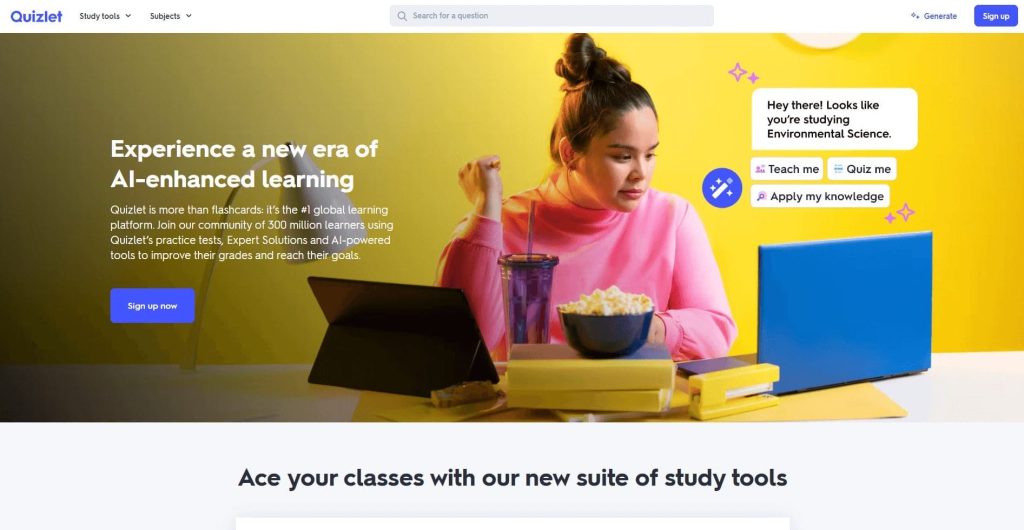
Quizlet makes life easier for educators by helping them create quizzes, practice questions, flashcards, and more. It leverages artificial intelligence to produce organized subject matter that can be used for various academic purposes including presentations and examinations. It is an excellent modern education tool for teachers to analyze and understand the learning patterns of students, and then develop the best learning paths.
Beneath the surface, Quizlet uses AI algorithms that adapt to different learning styles. Consequently, it optimizes their study sessions and provides personalized recommendations.
Highlights:
- Comes with a 30-day free trial.
- Features the ability to create flashcards and study games in addition to quizzes.
- Facilitates the creation of timetables.
What Works:
- Easy to use and navigate.
- Multiple productive features.
- Pricing starts from just $6 per month.
- Available for mobile.
What Doesn’t:
- Accuracy can be low sometimes.
- It can be misused by students for cheating.
12. Smart Sparrow

Website – https://www.smartsparrow.com/
Developer – Dr. Dror Ben-Naim
Since – 2010
Type – Adaptive eLearning Platform
Smart Sparrow leverages AI to deliver personalized learning and provide feedback in real time. The eLearning platform makes use of ML algorithms to personalize learning for every student in addition to providing interactive lessons and real-time feedback. The adaptive learning software is an excellent AI tool for education to boost student engagement and learning outcomes. It assists educators in creating and delivering adaptive, interactive, and personalized learning experiences.
Highlights:
- Acquired in 2019 by the edtech giant Pearson.
- Comes with an authoring tool that lets teachers create distinct adaptive learning modules.
- Enables educators to create highly interactive lessons.
What Works:
- Facilitates adaptive learning.
- Allows the creation of multimedia-rich content, such as quizzes, videos, and even simulations.
- Can be integrated into any existing LMS.
- Supports collaborative learning experiences.
- Features detailed analytics and insights.
What Doesn’t:
- It has a steep learning curve.
- Scalable but with issues.
Benefits of Using AI in Education
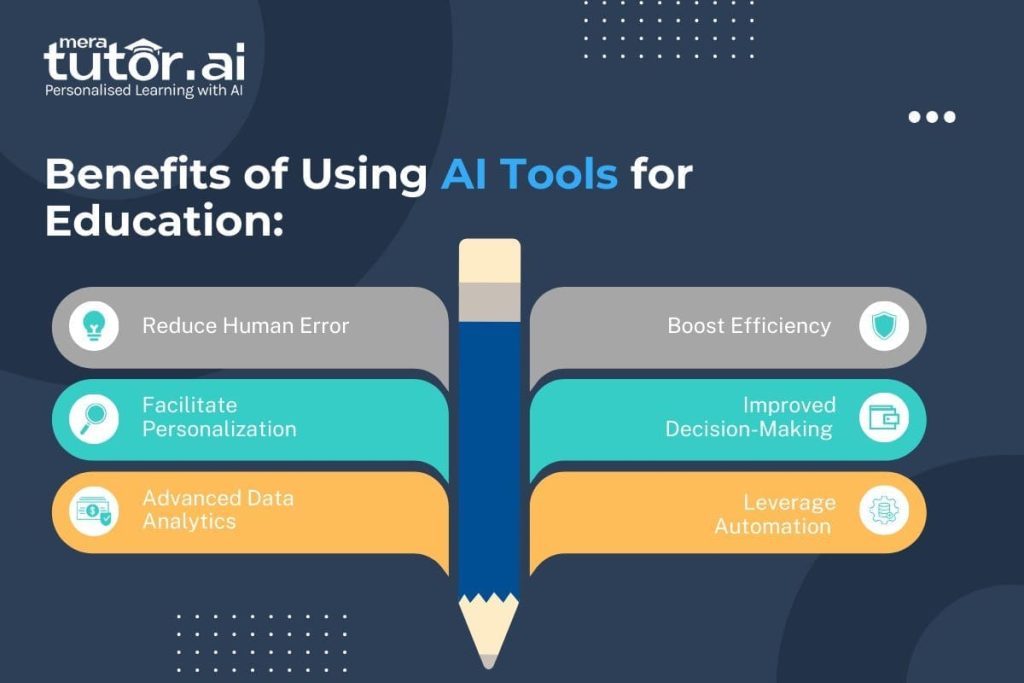
There are a ton of benefits of using AI in education. The main USP of using top AI tools for education is helping the people involved to be more organized and productive. Here are some of the top benefits of leveraging AI tools for education:
- Personalized Learning – AI helps to customize learning material and instructions to the needs of every student. This is done by collecting and analyzing student data to identify their strengths and weaknesses.
- Automation – AI automates repetitive tasks, freeing up time for both teachers and students to focus on other pressing tasks, such as lesson planning, offering individualized student support, and actively participating in classes.
- Writing Assistance – With the best AI tools for education at their disposal, educators and students can ensure that their work is free from plagiarism, grammatical and structure errors, and formatting issues.
- Better Accessibility – AI tools can create adaptive learning environments for helping students with disabilities or learning disabilities.
Furthermore, AI chatbots and virtual assistants provide immediate help to students in solving the most frequent queries that they have at any time.
Conclusion
That sums up our list of the 12 best AI tools for education in 2025. From personalized learning platforms like MeraTutor.ai Homie to research resources such as Google Scholar, and advanced classroom companions like Google Gemini, these tools are transforming how knowledge is delivered and absorbed. They not only simplify repetitive tasks for educators but also create more interactive, engaging, and personalized learning experiences for students of all levels.
As education continues to evolve, the integration of AI is no longer optional – it’s becoming essential for staying relevant and effective in a fast-changing world. By adopting the right mix of these AI-powered tools, teachers can focus more on mentorship and critical thinking, while students benefit from tailored support and improved accessibility. Ultimately, AI in education isn’t about replacing teachers – it’s about empowering them to unlock each student’s potential and making learning more impactful than ever before.
Start Your AI-Powered Learning Journey with MeraTutor.ai Homie Today!
The future of education is already here, and with Meratutor Homie, you can experience it firsthand. If you're a parent looking for a personalized, 24/7 learning support for your child, Homie is the best choice to make learning smarter, faster, and more effective. With features like PDF-based learning, Coach Mode, and AI-powered activity tracking, Homie brings structure and clarity to every step of your educational journey.

Don't just read about the potential of AI in classrooms - put it into action. Join thousands of students and educators who are already enhancing their learning outcomes with MeraTutor.ai Homie. From interactive study tools to safe, distraction-free learning environments, Homie gives you everything you need to stay ahead in today's competitive academic landscape.

Sign Up Now
FAQs
1: What is an AI tool?
An AI tool is a software application that uses artificial intelligence to perform or enhance some specific task(s).
2: Do you need training to use an AI tool?
Most AI tools don’t necessitate any kind of training. You can start working with them to learn them better over time.
3: What are some best AI tools for education in 2025?
MeraTutor.ai Homie, ChatGPT, Google Scholar, Fireflies.ai, Quizlet, Smart Sparrow, and Google Gemini are some of the best AI tools for education in 2025.
4: How can AI be applied in education?
AI can be applied to education by means of AI tools and platforms. These solutions help education leaders to make education personalized for students, and easy-to-manage for teachers.
5: Can AI replace teachers?
No, AI can’t replace teachers completely. Instead, it can act as a teaching assistant to improve the delivery and effectiveness of education courses and programs.
