


Table of Contents
Learning how to monitor what your child is studying online is now an essential part of digital parenting in India. If you’ve been wondering where to start, you’re not alone, you ask “what did you study?” and get a vague “Maths and stuff.”
For millions of Indian parents, this is the daily reality of online learning. The internet has given children incredible educational tools but it has also made it nearly impossible to know what is actually happening on that screen. Is your child studying? Watching YouTube? Using an AI that is giving them unsafe answers?
This guide walks you through what parents should monitor, why generic screen-time controls are not enough, and how the right tools can give you real visibility into your child’s learning.
Why “Just Checking Their Phone” Is Not Enough
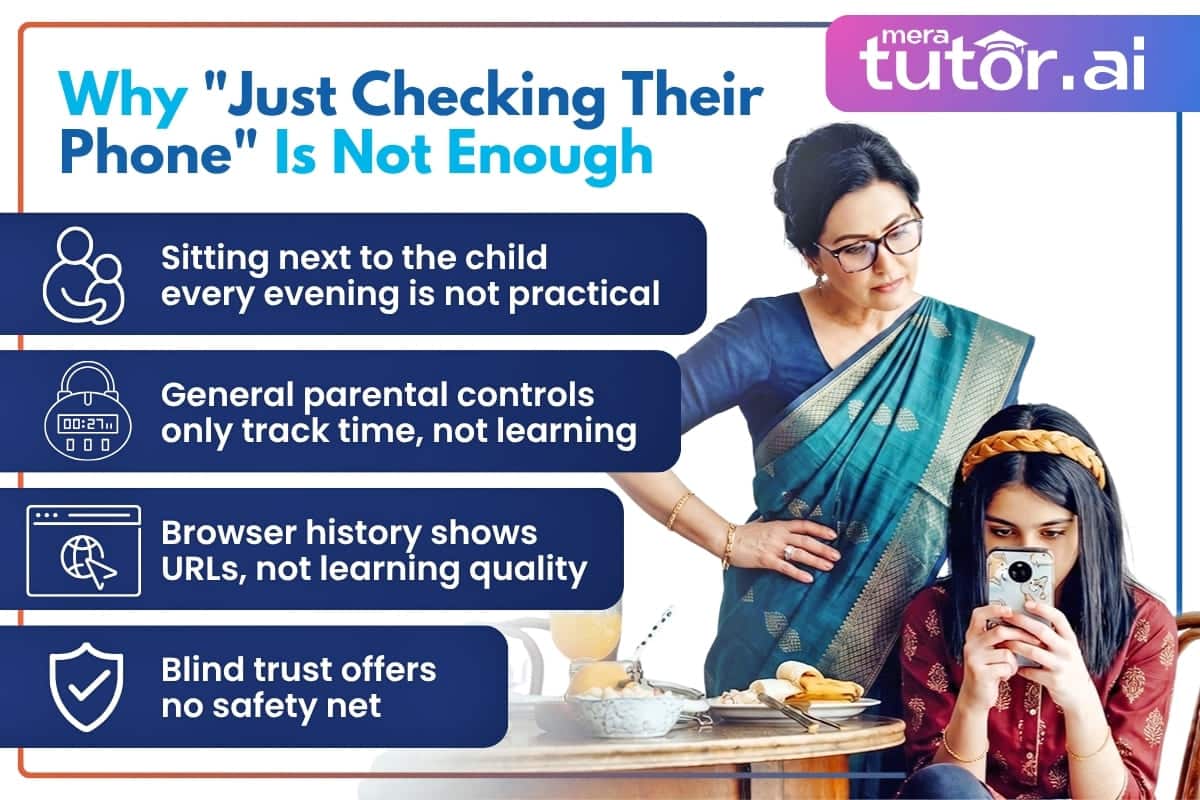
Most parents rely on one of three approaches: sitting next to the child, checking browser history, or simply trusting them. All three have serious limits.
Sitting beside your child every evening is not practical. Browser history is easily cleared and shows URLs, not learning quality. And blind trust, while important for independence, offers no safety net.
The Problem With General Parental Controls
| What you can see | Screen-Time Controls (Family Link, Apple) |
Learning Monitoring (MeraTutor.AI) |
|---|---|---|
| Hours spent on device | Yes | Yes |
| Which chapters were studied | No | Yes |
| Questions the child asked | No | Yes |
| Unsafe content flags | Blocks sites only | Logs & shows attempts |
| Study consistency / streaks | No | Yes |
Apps like Google Family Link or built-in screen time settings let you limit hours and block websites but they tell you nothing about what your child actually learned during those hours.
A child could spend 90 minutes “studying” while doing nothing productive. What parents need is not just time monitoring but learning monitoring. India’s National Education Policy 2020 emphasizes personalized and technology-driven learning for every child yet most monitoring tools available to parents today still don’t reflect this.
5 Things Parents Should Actually Monitor
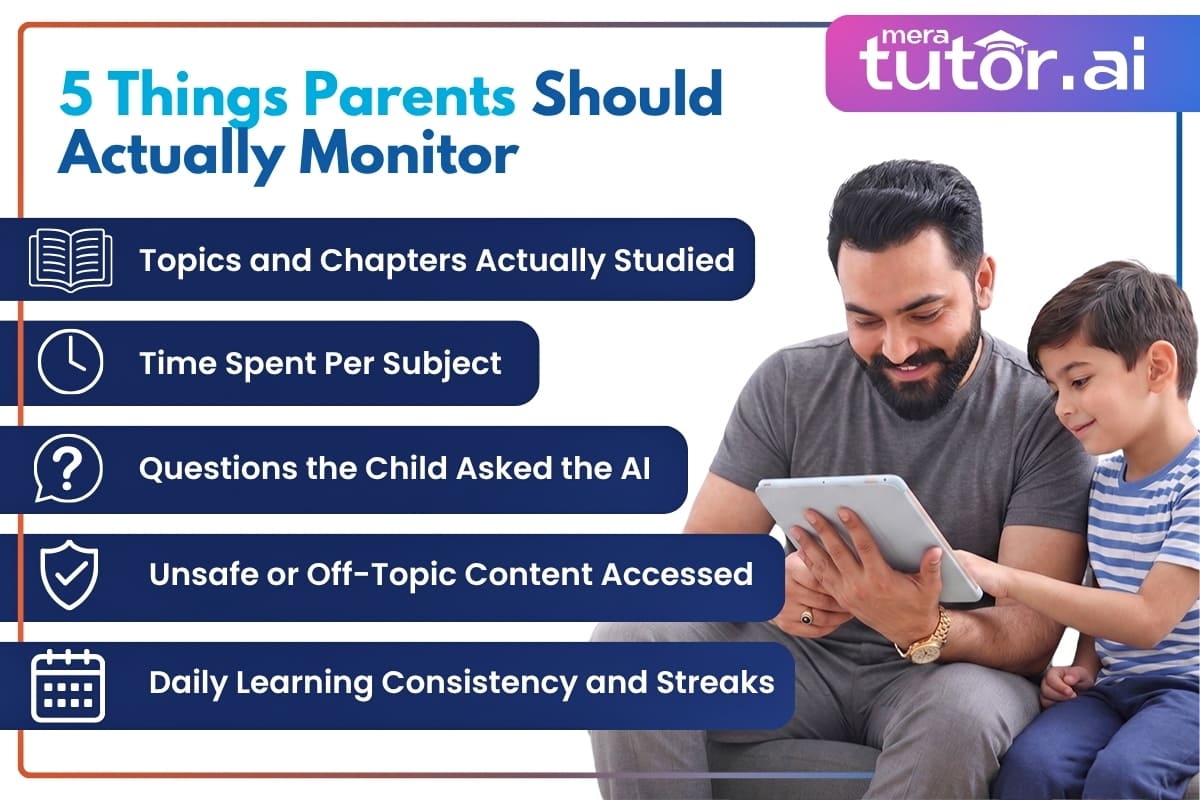
When you understand how to monitor what your child is studying online, these are the five signals that matter most:
1. Which Topics and Chapters Were Actually Studied
Not just “Maths” — but specifically Chapter 4 of the NCERT textbook? Were they revising quadratic equations or something unrelated? Subject-level visibility tells you whether study time aligned with what school is currently teaching.
2. How Much Time Was Spent Per Subject
Time data reveals patterns. A child spending 40 minutes on English and zero minutes on Science the night before a Science test is a red flag worth catching early.
3. What Questions the Child Asked the AI
This is the most revealing data point. The questions your child asks while studying show exactly where their understanding breaks down. Repeated questions on the same concept across multiple sessions signal a foundational gap.
4. Whether Any Unsafe or Off-Topic Content Was Accessed
General AI tools have no guardrails for children. A child using ChatGPT for homework can — accidentally or not — end up in conversations about harmful topics. Parents need to know whether the tool their child is using has flagged and blocked inappropriate queries.
5. Daily Learning Consistency and Streaks
Consistency is more predictive of exam performance than cramming. Knowing your child studied every day for 20 minutes is more valuable than knowing they studied for five hours before a test.
If you want to go deeper on measuring real progress instead of just scores, see our guide on how AI tracks real learning outcomes.
How MeraTutor.AI Gives Parents Full Visibility
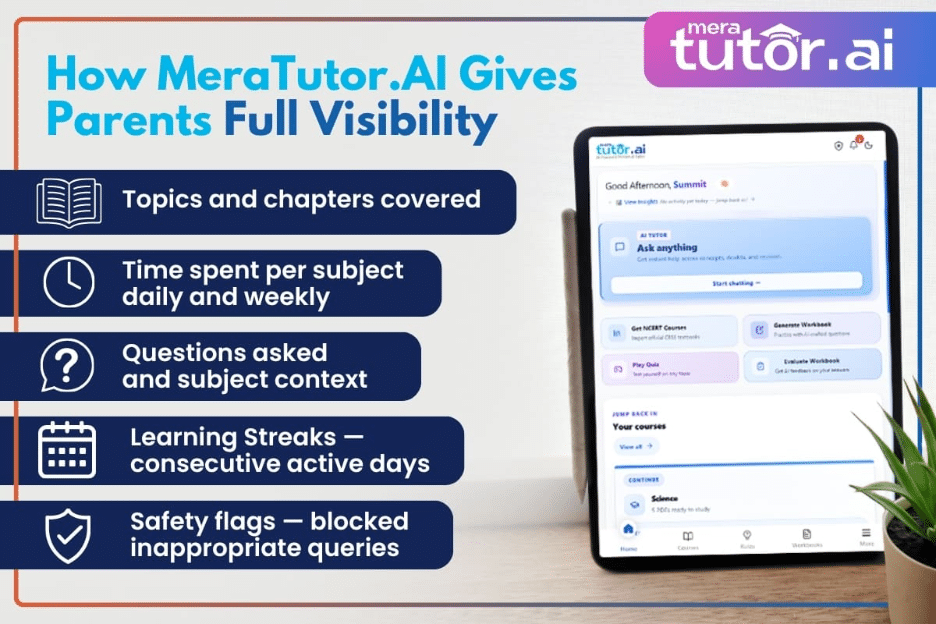
MeraTutor.AI is built with a dedicated Parent Dashboard so parents can stay informed without hovering over their child’s shoulder.
For a broader look at how AI supports parents day to day, read why MeraTutor.AI is the best AI teaching assistant for parents.
What the Parent Dashboard Shows You
When your child studies on MeraTutor.AI, you can see:
- Topics and chapters covered — aligned to their CBSE, ICSE, State Board, or IB textbook
- Time spent per subject — daily and weekly
- Number and context of questions asked
- Learning Streaks — consecutive days your child has been active
- Safety flags — any off-topic or inappropriate content attempts, logged and visible
Check in for two minutes at the end of the day and know exactly how productive the study session was — without interrupting your child.
Built-In Content Safety
Unlike general AI tools where safety is an afterthought, MeraTutor.AI’s content guardrails are built into every interaction. Off-topic queries — accidental or intentional — are blocked and logged for parents to review.
This matters especially for students in Classes 6–10 who are old enough to use AI independently but still need a safety layer.
Monitoring Without Damaging Trust
MeraTutor.AI is transparent by design — children know the dashboard exists. This transparency itself encourages focused, honest study behaviour rather than creating resentment. The goal is informed parenting, not surveillance.
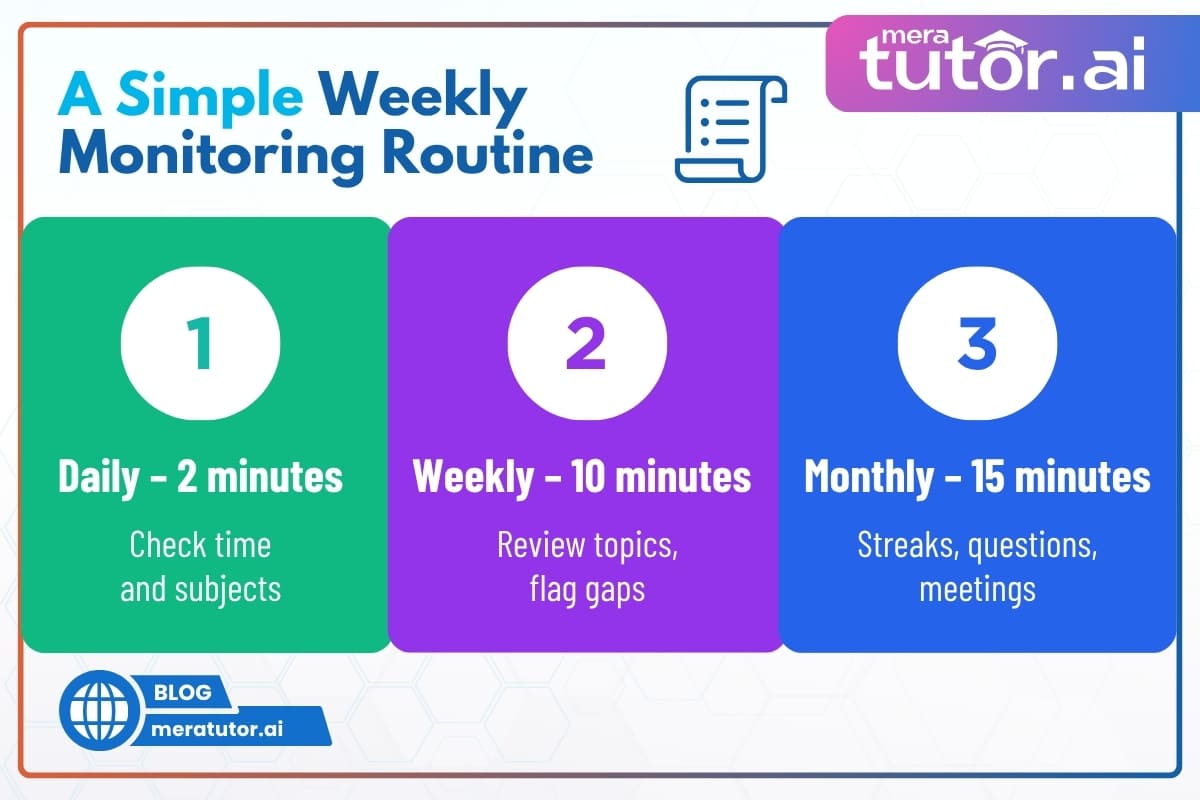
A Simple Weekly Monitoring Routine
Knowing how to monitor what your child is studying online doesn’t require checking every hour. This rhythm is enough:
Daily (2 minutes): Glance at the day’s activity: time spent and subjects covered.
Weekly (10 minutes): Review which topics were studied. Cross-check with your child’s school timetable. Flag any subject with zero activity.
Monthly (15 minutes): Look at streak data and question history. Use these as talking points with your child and at parent-teacher meetings.
The Bottom Line
Online learning is here to stay, and knowing how to monitor what your child is studying online is now part of everyday parenting.
Generic screen-time controls tell you how long. The MeraTutor.AI Parent Dashboard tells you what, how well, and how safely.
Frequently Asked Questions
1. Can I monitor my child’s online study activity in real time?
Yes, knowing how to monitor what your child is studying online in real time is possible with MeraTutor.AI’s Parent Dashboard. You can see which subject your child is currently studying and for how long, from your phone or browser, without being in the same room.
2. Is it okay to monitor what my child is studying online?
Yes, especially for students in Grades 4–10. Monitoring is not spying — it is responsible digital parenting. MeraTutor.AI is transparent about the dashboard, so children know it exists. This encourages focused study rather than resentment.
3. What is the difference between screen time monitoring and learning monitoring?
Screen time monitoring (Apple Screen Time, Google Family Link) tracks duration and app usage. Learning monitoring shows you what your child studied, which chapters they covered, what questions they asked, and whether there were safety flags. Learning monitoring is far more useful for academic outcomes.
4. Does MeraTutor.AI work for CBSE, ICSE, and State Board students?
Yes. MeraTutor.AI supports CBSE, ICSE, all major State Boards, and IB for Grades 4–12. The dashboard topics match exactly what your child’s school is teaching.
5. What if my child tries to access inappropriate content on MeraTutor.AI?
The content safety system blocks it in real time and logs the attempt — which you can then see in the Parent Dashboard. This is unlike general AI tools which have no such safeguards for children.
6. Is MeraTutor.AI free to use?
Yes, there is a free plan — no credit card required. Paid plans unlock full dashboard history and extended tracking. See full pricing here.
Start Free on MeraTutor.AI — See the Parent Dashboard
Join 50,000+ Indian parents who know exactly what their child is studying, for how long, and how safely — every single day. MeraTutor.AI gives you a real-time Parent Dashboard, built-in content safety, and 24/7 CBSE, ICSE, IB, and State Board-aligned tutoring — all in one place. Start free today, no credit card required.
Sign Up Now